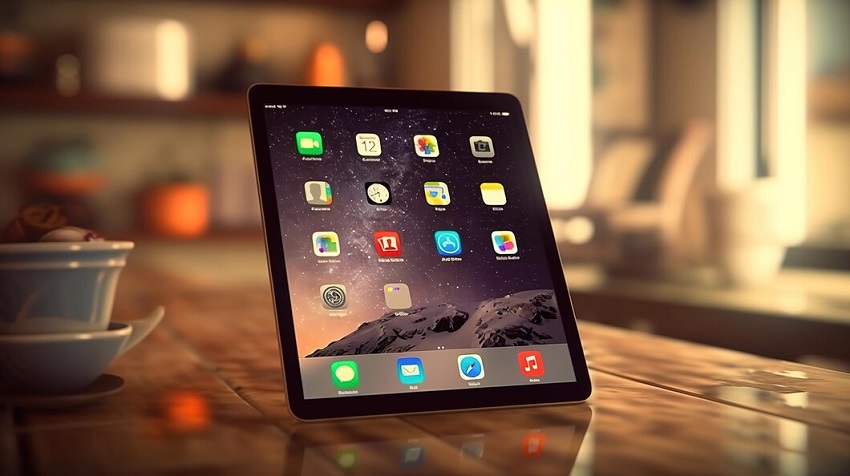
Tablets have revolutionized the way we interact with technology. With their sleek design and portability, they have become a common sight in homes, schools, and workplaces. These devices offer a convenient way to access information, entertainment, and productivity tools. However, like any technology, tablets are not without their downsides. In this article, we’ll delve into the disadvantages of tablets, shedding light on aspects that users should consider before embracing these devices into their lives. This article is organized by Web-build.info.
The Allure of Tablets and Their Limitations
Tablets come with a host of features that make them appealing to users. Their compact size and touch interface create a unique user experience. Yet, beneath the surface, several drawbacks exist that may impact user satisfaction and functionality.
Limited Processing Power
While tablets have come a long way in terms of processing power, they still lag behind traditional computers and laptops. This limitation can become evident when running resource-intensive applications, such as video editing software or complex simulations. Tablets often struggle to keep up with these demands, leading to slower performance and potential frustration for users relying on such tasks. Discover the difference between tablet and smartphone.
Reduced Multitasking Abilities
Multitasking is an essential aspect of modern productivity. While tablets allow for some level of multitasking, they typically fall short compared to desktop computers. The screen real estate is limited, making it challenging to have multiple applications or documents open simultaneously. This can hinder workflows, especially for professionals who require seamless multitasking capabilities.
On-Screen Keyboard Constraints
Tablets rely heavily on on-screen keyboards, which, despite their advancements, still lack the tactile feedback of physical keyboards. This can result in slower typing speeds and increased error rates, particularly for users who are accustomed to traditional keyboards. Tasks that involve extensive typing, such as writing long emails or documents, can become cumbersome on tablets.
You might enjoy reading this: Apple Watch Series 8 (2022)
Storage Limitations
Tablets often come with fixed storage capacities that cannot be expanded. This limitation can be problematic for users who store a significant amount of data, such as large media files or extensive document libraries. Once the storage capacity is reached, users may need to resort to deleting files or investing in cloud storage solutions, which can incur additional costs.
Software Compatibility Challenges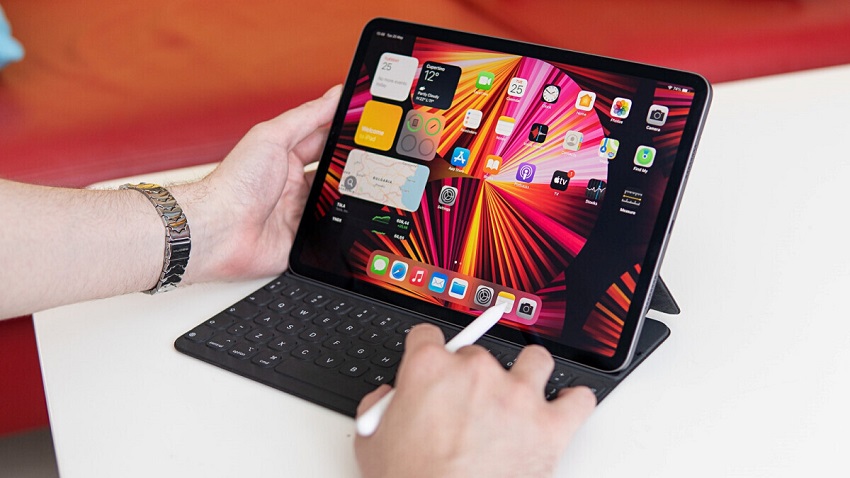
Software availability and compatibility can be a stumbling block for tablet users. Some applications are optimized for desktop environments and may not offer the same functionality or user experience on tablets. Additionally, certain software that is essential for specific industries may not have tablet equivalents, limiting the usability of these devices in professional settings.
The Verdict
Tablets offer undeniable convenience and portability, making them attractive to a wide range of users. However, it’s essential to weigh these benefits against the inherent disadvantages that tablets bring to the table. From limited processing power and multitasking capabilities to on-screen keyboard constraints and storage limitations, these drawbacks can impact productivity and user satisfaction.
Before investing in a tablet, it’s crucial to assess your specific needs and use cases. If your tasks involve resource-intensive applications, extensive multitasking, or extensive typing, a traditional computer might be a more suitable choice. On the other hand, if portability and entertainment are your primary concerns, a tablet could be an excellent addition to your tech arsenal.
FAQs
- Can tablets replace laptops for professional work?
Tablets can handle many professional tasks, but their limitations in terms of processing power and multitasking might hinder complex workflows. It’s best to assess your specific work requirements before making a decision.
- Are there tablets with more storage options?
While some tablets offer varying storage capacities, most have fixed storage that cannot be expanded. Cloud storage solutions are often used to overcome this limitation.
- Can external keyboards improve the typing experience on tablets?
Yes, external keyboards can enhance typing speed and accuracy on tablets. They provide tactile feedback that’s lacking in on-screen keyboards.
- Do tablets have the same software as computers?
Tablets and computers might share some software, but not all applications are optimized for tablet use. Compatibility and functionality can vary.
- What should I prioritize, portability, or performance?
Your priority depends on your intended usage. If you need to carry your device frequently and prioritize entertainment, portability might be key. If you require high performance for demanding tasks, a traditional computer might be better.
Tags: advantages and disadvantages of a tablet, advantages and disadvantages of a tablet vs. laptop, disadvantages of a tablet, disadvantages of a tablet computer, disadvantages of a tablet over a smartphone, what are the disadvantages of a tablet