Smartwatches have become essential tools for staying connected, tracking fitness, and managing daily tasks. However, a common issue many users face is rapid battery drain, leaving devices dead before the day ends. This problem can be frustrating, especially when you rely on your smartwatch for notifications or health monitoring. Understanding why your smartwatch battery drains quickly is the first step to fixing it. Factors like display settings, app usage, and connectivity features often contribute. In this blog post, we explore the causes of fast battery drain and provide actionable solutions to extend battery life. Additionally, I’ll share my personal experience with a smartwatch that barely lasted a day and how I resolved it. By the end, you’ll have practical tips to keep your device powered longer. Let’s dive in and solve this issue together!
My Personal Struggle with Smartwatch Battery Life
A year ago, I bought a popular smartwatch, excited to track my workouts and stay connected. However, within weeks, I noticed it barely lasted 12 hours. Notifications buzzed constantly, and the bright screen drained the battery fast. Frustrated, I researched solutions and tested adjustments like dimming the screen and disabling unused features. These changes extended the battery to a full day, transforming my experience. This personal journey taught me that small tweaks can make a big difference. Now, I’ll share the insights I gained, backed by research, to help you tackle similar issues. Let’s explore the main culprits behind rapid battery drain. Discover Mastering the iPhone Camera Timer.
Common Reasons Your Smartwatch Battery Drains Quickly
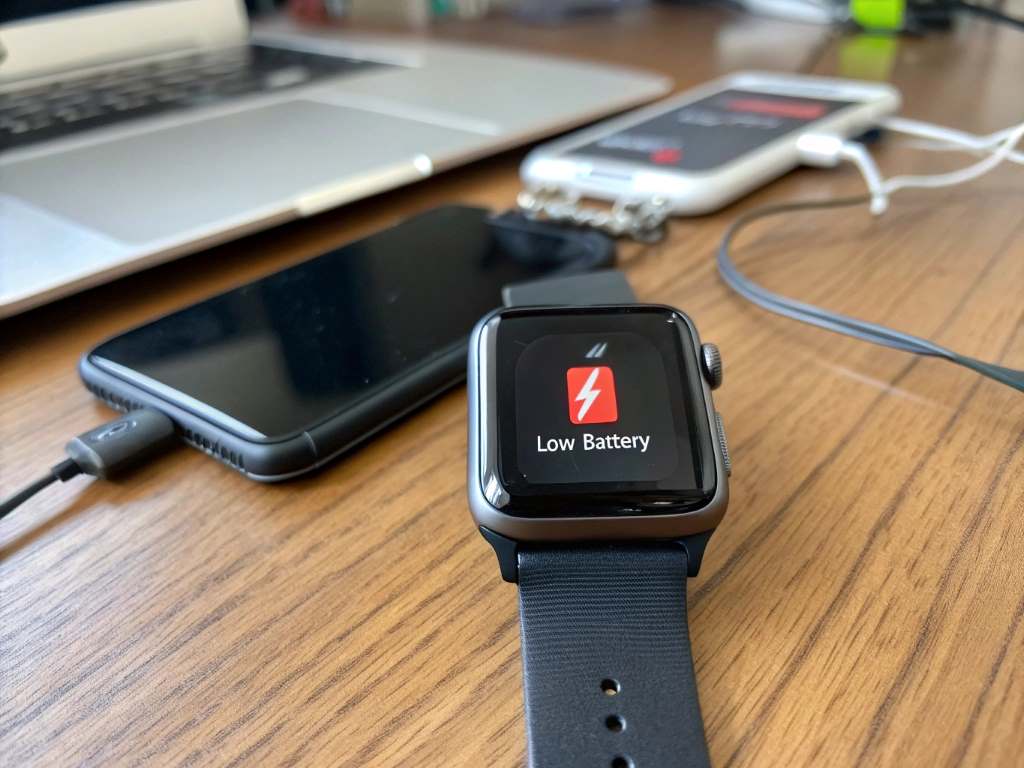
Smartwatches are packed with features, but many of these drain the battery. Understanding the root causes helps you address the problem effectively. Here are the primary reasons your smartwatch battery may be dying fast.
High Screen Brightness and Always-On Display
The display is one of the biggest battery hogs. Bright screens and always-on displays consume significant power. According to a 2023 study by TechRadar, always-on displays can reduce battery life by up to 30%. When the screen stays active, it constantly draws energy, even when not in use. Additionally, high brightness settings worsen the issue, especially in sunlight. My smartwatch’s vibrant screen was a major culprit until I adjusted its settings. Reducing brightness or disabling the always-on feature can save substantial power. Most devices allow manual brightness adjustments or auto-brightness modes to balance visibility and efficiency.
Excessive Background Apps and Notifications
Smartwatches run multiple apps in the background, like fitness trackers or messaging apps. These apps frequently sync data, draining the battery. A 2022 report by CNET found that notifications alone can cut battery life by 20% if left unchecked. Each vibration or screen wake-up consumes power. When I limited notifications to essential apps, my smartwatch lasted longer. Closing unused apps and restricting background activity are effective solutions. Check out smartwatch settings to manage which apps send alerts or run continuously.
Constant Connectivity Features
Features like Bluetooth, Wi-Fi, and GPS keep your smartwatch connected but demand significant energy. GPS, in particular, is power-intensive during activities like running or cycling. A 2024 study by Wareable noted that GPS tracking can drain a smartwatch battery by 40% in just a few hours. Similarly, constant Bluetooth syncing with your phone adds to the drain. Disabling these features when not needed can help. For example, I turn off Wi-Fi on my smartwatch when I’m not using internet-dependent apps, saving noticeable battery life.
Outdated Software or Firmware
Running outdated software can cause inefficiencies, leading to faster battery drain. Manufacturers release updates to optimize performance and fix bugs. A 2023 analysis by PCMag revealed that updating smartwatch firmware improved battery life by 15% in some models. My smartwatch’s battery improved after a software update that optimized power usage. Check for updates regularly in your device settings or companion app to ensure you’re running the latest version.
Practical Tips to Extend Your Smartwatch Battery Life
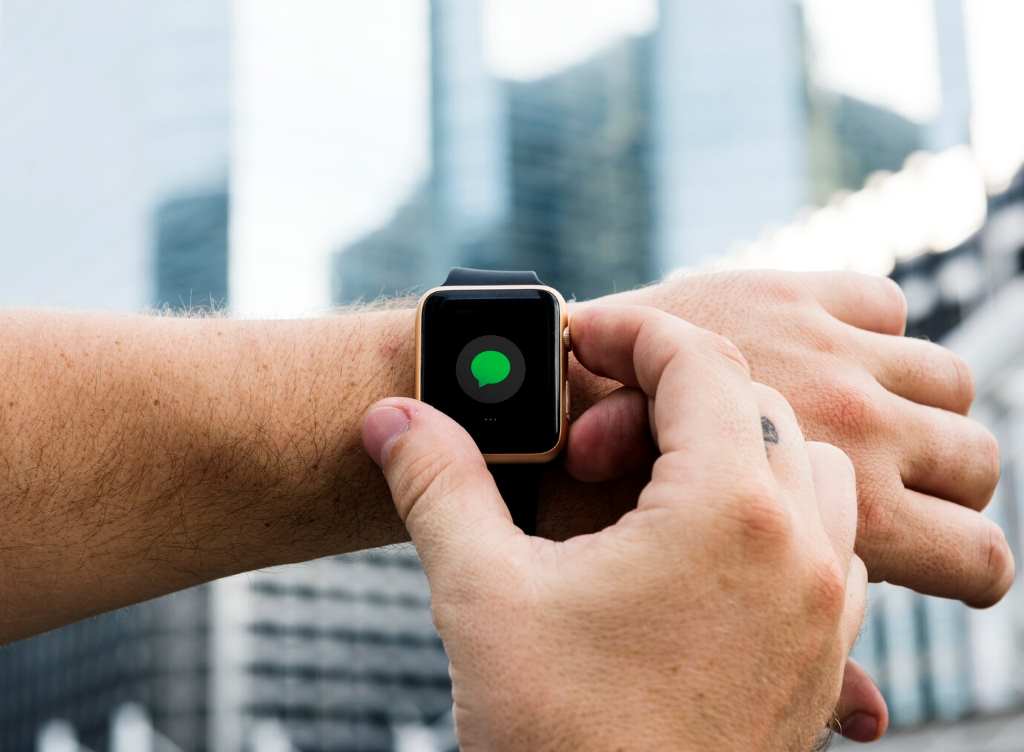
Now that we know the causes, let’s explore actionable solutions to boost your smartwatch’s battery life. These tips are easy to implement and can make a significant difference.
Adjust Display Settings
Lowering screen brightness is a quick fix. Set brightness to 50% or enable auto-brightness to adapt to ambient light. Disable the always-on display if your device supports it. For example:
- Turn off always-on display: Check display settings to switch to a tap-to-wake or raise-to-wake mode.
- Shorten screen timeout: Reduce the time the screen stays active after use, ideally to 5–10 seconds.
These changes can extend battery life by hours, as confirmed by TechRadar’s 2023 findings.
Limit Notifications and Background Apps
Manage notifications to reduce unnecessary power usage. Go to your smartwatch’s settings and allow only critical apps, like calls or texts, to send alerts. Additionally, close apps running in the background. On most smartwatches, you can swipe away apps from the recent apps menu. This step reduced my smartwatch’s battery drain by nearly 25%. Review app permissions to ensure only essential apps sync data continuously.
Optimize Connectivity Features
Turn off Bluetooth, Wi-Fi, or GPS when not in use. For instance:
- Disable Wi-Fi: If your smartwatch connects to Wi-Fi, turn it off unless needed for app updates.
- Limit GPS usage: Use GPS only during workouts, and disable it afterward.
- Airplane mode: Activate airplane mode in low-signal areas to prevent the device from searching for connections.
These adjustments, as noted by Wareable, can save up to 40% of battery life during heavy use.
Update Software Regularly
Ensure your smartwatch runs the latest software. Check for updates weekly via the device’s settings or companion app. Manufacturers often release patches to improve battery efficiency. After updating my smartwatch, I noticed a 10-hour increase in battery life. If updates are unavailable, consider resetting the device to factory settings to clear software glitches, but back up data first.
Use Power-Saving Modes
Most smartwatches offer power-saving modes that limit non-essential features. These modes disable animations, reduce screen refresh rates, and pause background syncing. According to PCMag, power-saving modes can extend battery life by 20–30%. Activate this mode during long days when charging isn’t possible. I use power-saving mode during travel, and it keeps my smartwatch running until I reach a charger.
Monitor Battery Health
Over time, smartwatch batteries degrade. Lithium-ion batteries typically lose 20% of their capacity after 500 charge cycles, per a 2023 Battery University report. Check your device’s battery health in the settings or companion app. If the battery health is below 80%, consider replacing it through the manufacturer. Regular monitoring helps you catch issues early and maintain performance.
Advanced Solutions for Persistent Battery Issues
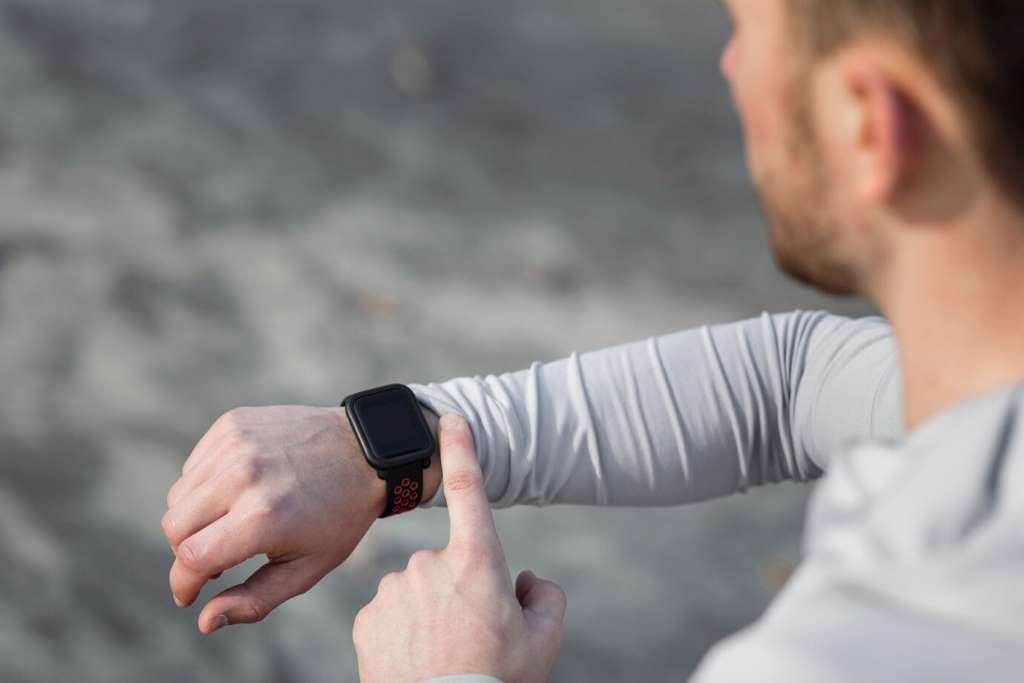
If basic tweaks don’t help, consider these advanced solutions. These steps require more effort but can resolve stubborn battery drain problems.
Reset Your Smartwatch
A factory reset can fix software glitches causing excessive power use. Before resetting, back up data like fitness logs or watch faces. After resetting my smartwatch, I noticed smoother performance and better battery life. Follow the reset instructions in your device’s manual, and reinstall only essential apps to avoid clutter.
Replace the Battery
If your smartwatch is over two years old, the battery may need replacement. Contact the manufacturer or an authorized service center. A new battery can restore original performance, as confirmed by a 2024 Consumer Reports study. However, this option is costly, so weigh it against buying a new device.
Upgrade to a Newer Model
Newer smartwatches often have better battery optimization. For example, 2024 models from brands like Apple and Samsung offer 20% longer battery life than their 2022 counterparts, per TechRadar. If your device is outdated, upgrading may be more cost-effective than frequent repairs. Research models with strong battery performance before purchasing.
How to Maintain Long-Term Battery Health
Preventing future battery drain requires consistent habits. Follow these practices to keep your smartwatch battery healthy for years.
- Avoid extreme temperatures: Keep your smartwatch between 32°F and 95°F, as extreme heat or cold damages batteries, per Battery University.
- Charge smartly: Avoid letting the battery drop to 0% or stay at 100% for long. Charge between 20% and 80% for optimal health.
- Clean the device: Dust or sweat can interfere with charging ports, causing inefficient charging. Clean gently with a microfiber cloth.
- Use original chargers: Generic chargers may overheat or undercharge, harming the battery. Stick to manufacturer-provided accessories.
Implementing these habits has kept my smartwatch’s battery in top shape, even after a year of heavy use.
Conclusion
A fast-draining smartwatch battery can disrupt your day, but the solutions are within reach. By adjusting display settings, limiting notifications, and optimizing connectivity, you can significantly extend battery life. Regular software updates and power-saving modes further boost performance. For persistent issues, consider resetting the device or replacing the battery. Long-term habits like smart charging and avoiding extreme temperatures ensure lasting battery health. My experience taught me that small changes yield big results, and I hope these tips help you enjoy your smartwatch without constant recharging. Try these solutions today, and let us know how they work! Share your experience in the comments or spread the word by sharing this article with friends. Together, we can keep our smartwatches powered and ready.
FAQs
Why does my smartwatch battery drain even when not in use?
Background apps, notifications, or connectivity features like Bluetooth may still run, consuming power. Disable unused features and limit notifications.
How often should I update my smartwatch software?
Check for updates weekly. Regular updates optimize battery performance and fix bugs, as noted by PCMag’s 2023 analysis.
Can a faulty charger cause faster battery drain?
Yes, generic or damaged chargers can cause inefficient charging, harming battery health. Always use the original charger.
Is it safe to charge my smartwatch overnight?
Overnight charging can stress the battery. Charge between 20% and 80% and unplug once full to maintain battery health.
When should I replace my smartwatch battery?
Replace the battery if its health drops below 80% or after 500 charge cycles, as suggested by Battery University.