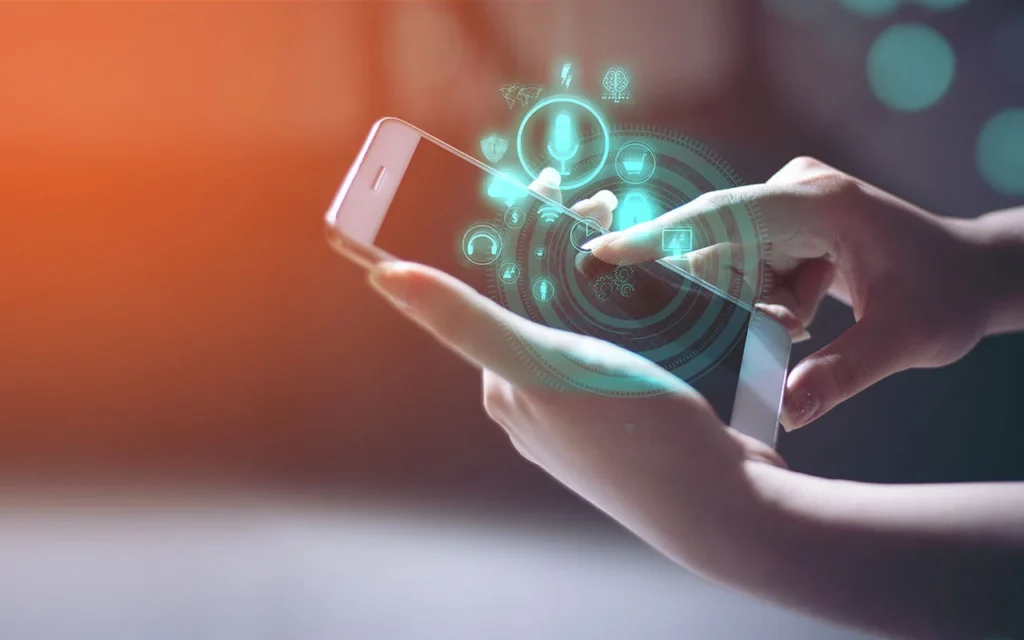
Haptic feedback – the technology that brings tactile sensations to our digital interactions – is more than just a buzz or a vibration. It’s a subtle yet powerful tool that can significantly enhance user experiences, create deeper engagement, and even forge emotional connections with products and brands. What’s even more exciting is that this technology is increasingly customizable, allowing for truly personalized experiences.
Understanding Haptic Feedback
At its core, haptic feedback is about simulating the sense of touch. It does this through vibrations, forces, or motions that are delivered to the user through devices like smartphones, wearables, gaming controllers, and even car interfaces. While it’s often used for simple notifications (think of the vibration when you receive a text message), haptic feedback is evolving to become far more sophisticated.

The Rise of Personalization
Just as we personalize our phone wallpapers and app layouts, tailoring haptic feedback to individual preferences is now possible. This personalization can take many forms:
- Intensity Levels: Some users might prefer subtle vibrations, while others might crave more intense feedback. Customization allows for adjusting the strength of the haptic sensations.
- Vibration Patterns: Different vibration patterns can convey different information or emotions. A short, sharp buzz might signal an incoming call, while a longer, rhythmic pattern could indicate a notification from a specific app.
- Contextual Feedback: Haptic feedback can be tailored to specific actions or contexts. Imagine a racing game where the controller vibrates differently depending on the terrain (a rough rumble for gravel, a smooth buzz for asphalt).
- Haptic Profiles: In the future, we might see the development of haptic profiles, much like audio equalizer settings. Users could select pre-set profiles (e.g., “Gentle,” “Intense,” “Gaming,” “Productivity”) or create their own custom profiles.
The Benefits of Personalized Haptics
Why go through the trouble of customizing haptic feedback? The benefits are surprisingly substantial:
- Enhanced Engagement: When haptic feedback aligns with user preferences, it becomes more meaningful and engaging. It can draw users deeper into experiences, whether it’s a video game, a virtual reality simulation, or even simple smartphone interactions.
- Improved Accessibility: Personalized haptic feedback can be particularly beneficial for users with visual impairments. Customized vibrations can provide crucial information and navigation cues.
- Emotional Connection: Just as music can evoke emotions, haptic feedback can tap into our feelings. A gentle vibration might create a sense of calm, while a strong pulse could heighten excitement. Brands can leverage this to create deeper connections with their users.
- Novel User Experiences: Customization opens up a world of creative possibilities. Developers and designers can explore new ways to use haptic feedback, leading to innovative and memorable user experiences. For instance, understanding how to play haptics in silent mode meaningfully enhances these experiences by providing feedback without sound. To delve deeper into these exciting advancements, you can read more about the potential of haptic technology and its implications for user interaction.
Implementing Personalized Haptics
So, how can you start customizing haptic feedback? Here are a few approaches:
- Device Settings: Many smartphones and wearables already offer some level of customization in their settings. Explore these options to see what’s available.
- Third-Party Apps: There are apps designed specifically for customizing haptic feedback. These apps often provide more advanced features and finer control.
- Developer Tools: If you’re a developer, consider integrating haptic customization features into your apps and software. Give users the tools to tailor the experience to their liking.
The Future of Personalized Haptics
As technology advances, we can expect even more sophisticated haptic customization. Imagine haptic feedback that adapts to your mood, activity level, or even the time of day. We might see haptic gloves that let you “feel” virtual objects or haptic suits that immerse you in virtual environments.
The potential of personalized haptic is truly exciting. It has the power to transform our digital interactions, making them more intuitive, engaging, and emotionally resonant. As we move into a future where touch plays an increasingly important role in our digital lives, customization will be key to unlocking the full potential of this powerful sense.